Have you ever wished you had an experienced caddie by your side on every hole? Now you can. Meet the Voice Caddie, a new 15th Club feature that helps you plan your next shot on any course, simply by asking out loud.
What can the Voice Caddie do?
- Answers your questions out loud — press and hold, ask, and hear the answer through your phone or earbuds.
- Recommends a club and a shot — clear, caddie-style advice for the shot in front of you.
- Uses your real situation — distances to the front, middle and back of the green, hazards and targets, the wind, and your own club distances.
- Talks you through a hole — ask it to plan a tee shot or point out the trouble to avoid.
- Stays on your game — short, golf-focused answers, easy to follow while you play.
What do you need to get started?
- A Premium subscription — the Voice Caddie is a Premium feature.
- Microphone access — allow 15th Club to use your microphone when prompted, so the caddie can hear your question.
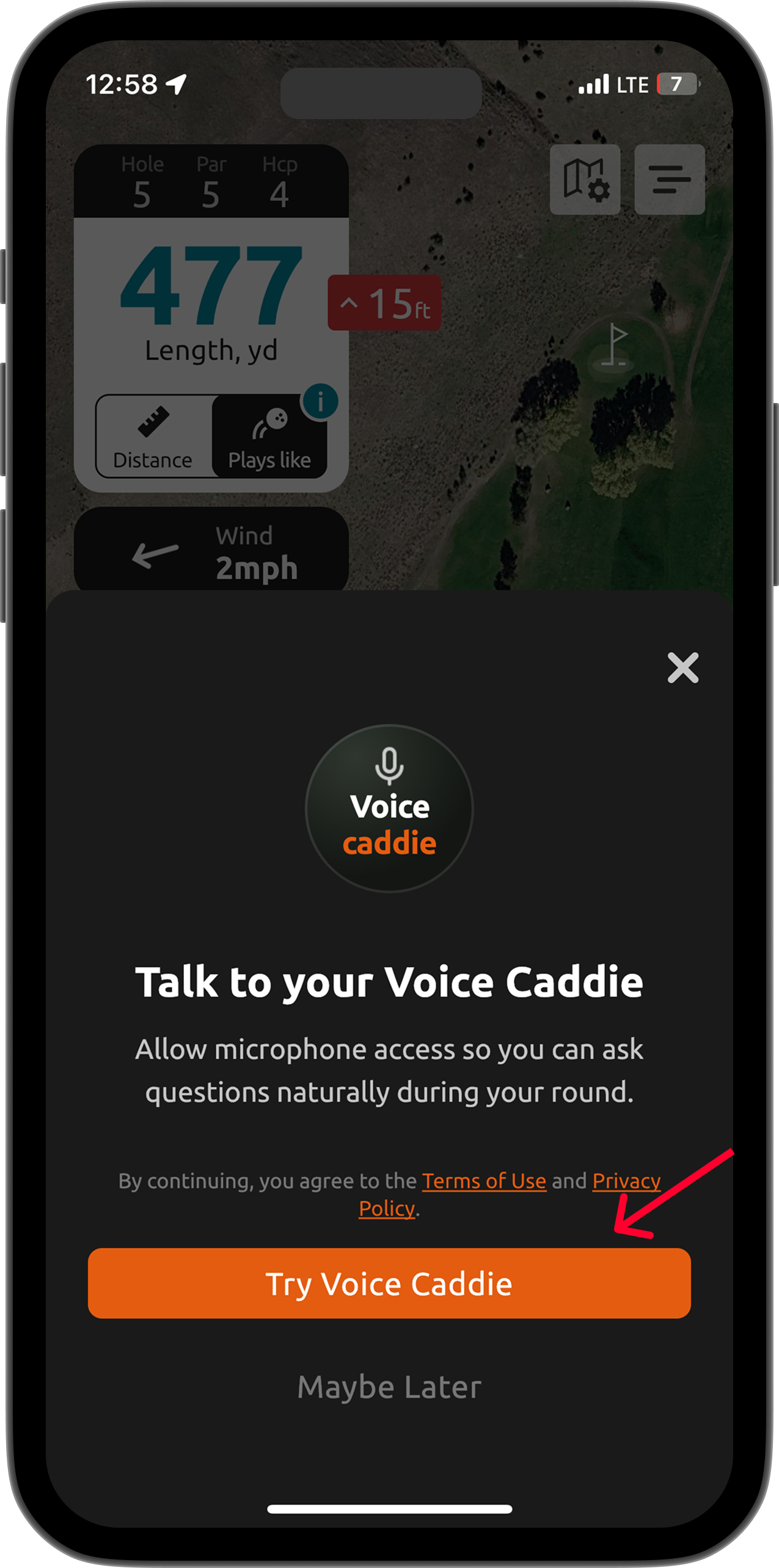
- Sound on — keep your volume up so you can hear the caddie's answer.
How to use it:
- Start a round and open the hole you are playing.
- Tap the Voice Caddie button on the round screen.
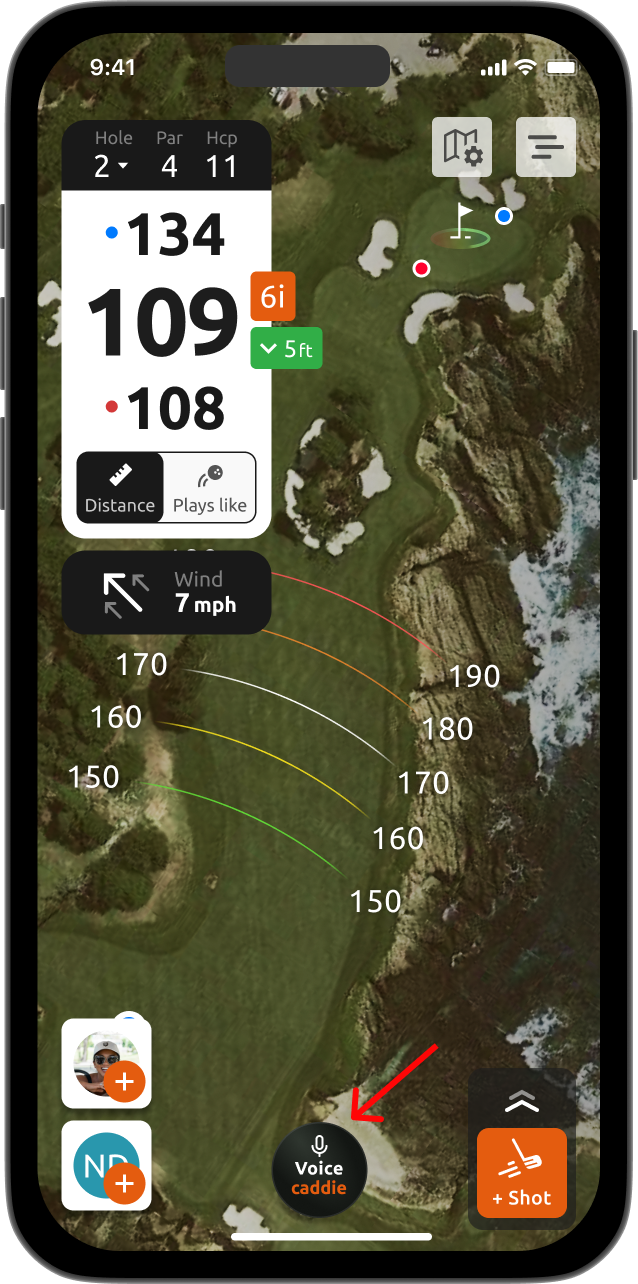
- Press and hold the button and ask your question out loud, for example "What club should I hit here?" or "Talk me through this tee shot".
- Release the button, and the caddie answers aloud through your phone or earbuds.
- Ask again anytime — press and hold for the next question. A new question interrupts the caddie if it is still speaking.
What is more, the Voice Caddie is available in English, French, Japanese and Korean — simply speak to it in your language and it will respond in the same language.
If you run into any difficulties, please contact us at support@15club.golf. You can also create a new support ticket using this site, by tapping on 'New' in the upper right corner.
Was this article helpful?
That’s Great!
Thank you for your feedback
Sorry! We couldn't be helpful
Thank you for your feedback
Feedback sent
We appreciate your effort and will try to fix the article